How to Create a Link for an Image

Dhananjay Kumar Nirala
Writer
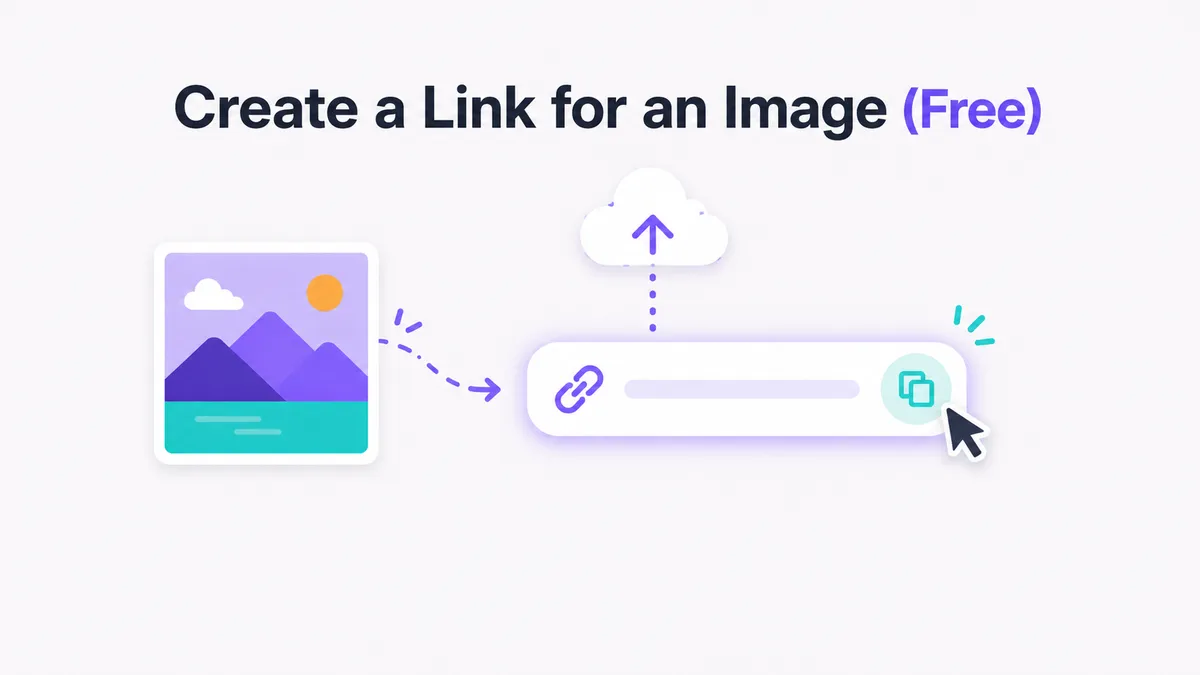
Table of contents
Creating a link for an image is mostly one step: upload the file to an image host and copy the direct URL it hands back. On imagetourl.cloud the whole thing takes about ten seconds — drag your photo onto the page, wait for it to finish, and you get a permanent address like https://imagetourl.cloud/abc123.jpg.
No account, no software, no watermark. That link points straight at the raw image file, so you can drop it into an email, a forum post, an HTML tag, or a chat message and it just works.
Below I'll show you how to create a link for an image step by step, plus the different link types you might need — web links, HTML links, even direct download links — and the few things people trip up on.
What does it mean to create a link for an image?
It means turning a file that lives on your device into a public web address anyone can open. Once you create a link for an image, the picture isn't trapped on your phone or laptop anymore. It sits on a server, and the link is how the rest of the internet reaches it.
What you do with that link is up to you. Some people just want to share a photo quickly. Others need to embed it on a web page, or turn it into a clickable thumbnail or button that sends visitors somewhere. They all start the same way: get the image online and grab its URL. Everything after that is just deciding what kind of link you need.
How to create a link for an image step by step

Here's the actual process, start to finish. It works the same on desktop and mobile.
Open the direct image link tool in your browser.
Drag your image into the upload box, or tap it to pick a file from your gallery.
Wait a second or two while the upload finishes and the file lands on the CDN.
Copy the URL that appears. That's your link.
Paste it wherever you need it, then open it in a private tab to confirm it loads.
That copied URL is a true direct link. Open it and you see only the image — no gallery page, no ad-stuffed viewer. Need links for a bunch of images? Just repeat the upload for each one, and every file gets its own address.
What does a good image link look like?
A good image link ends in the file extension and loads the picture on its own. You want something clean like https://imagetourl.cloud/abc123.png — not a long tracking string that opens a full webpage.
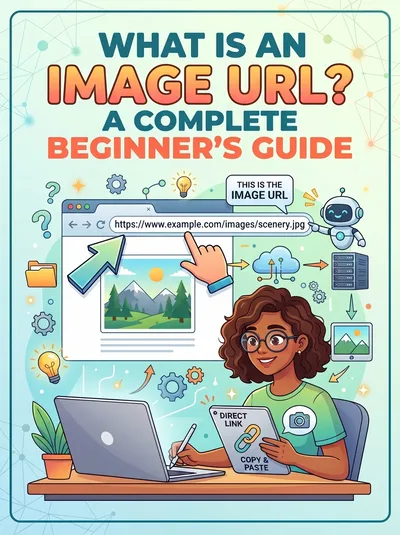
Here's a common mistake: copying the link to the page an image sits on, instead of the image itself. Right-click a photo on most sites, choose "copy link," and you'll often get the wrong one. The fix is to host the file yourself, so the address points straight at the image and nothing else. Want to understand how these addresses are built? Our beginner's guide to image URLs breaks it down.
Where can you use the link once you have it?
Anywhere that accepts a web address. The link is plain text, so it travels well across apps and platforms.
Paste it into an HTML
<img src="...">tag to show the image on a website.Drop it into a forum, Discord, or marketplace listing that won't let you attach files.
Use it in a CSS
background-imagerule or a Markdown image — covered in our HTML, CSS, and Markdown walkthrough.Add it to an email signature so the picture loads without a heavy attachment.
Want a clickable picture instead of a raw file? Wrap the image in an anchor tag:
<a href="https://destination.com"><img src="your-image-link.jpg"></a>
Now clicking the photo sends people wherever the href points. It's the same trick whether you're linking to another page, a product, or a download.
Is it really free, and does the link stay up?
es — it's free, with no signup and no watermark stamped on your photo. The link is permanent too, so it keeps working long after you've closed the tab.
It handles the formats people actually use: JPG, PNG, WebP, GIF, and SVG, all served from a global CDN so the image loads fast no matter where your viewer is. One thing worth knowing — a link can never be baked into the image pixels themselves. The address always lives separately from the file, which is why you copy it the moment the upload finishes.
If you expect heavy traffic or want more storage and tools, free image hosting covers the bigger picture. But for a single shareable link, you don't need any of that.
How to create a link for an image in HTML
If you're working directly in HTML, you've got two common needs. To simply show the image on a page, drop your link into an img tag:
<img src="https://imagetourl.cloud/abc123.jpg" alt="Describe the image">
To make that image clickable — so tapping it opens another page — wrap it in an anchor tag:
<a href="https://example.com">
<img src="https://imagetourl.cloud/abc123.jpg" alt="Describe the image">
</a>
The src is your hosted image link. The href is where the click should go. Want it to open in a new tab? Add target="_blank" to the anchor. That's the whole pattern — no plugins, no extra tools.
How to create a direct download link for an image

Sometimes you don't want the image to open in the browser — you want it to download when someone clicks. There's a simple HTML trick for that: the download attribute.
<a href="https://imagetourl.cloud/abc123.jpg" download>Download image</a>
Add download to your anchor tag and the browser saves the file instead of opening it. You can even set a custom filename for the saved file:
<a href="https://imagetourl.cloud/abc123.jpg" download="my-photo.jpg">Download image</a>
One catch worth knowing: the download attribute only works when the image is hosted on the same domain as your page. If the file lives on another site, the browser ignores download and just opens the image instead.
The fix is to host the file yourself, or have your server send a "Content-Disposition: attachment" header — but for most people, hosting it on the same site is the easy route.
Create your image link now
Drag any photo onto the direct image link tool and you'll have a working URL before you finish reading this sentence. No login required.
Creating a link for an image comes down to one thing: getting the file onto a host that hands you a clean, direct URL. Upload, copy, paste, done. Keep that link somewhere safe and you can reuse it across every site and app that accepts a web address.
Frequently Asked Questions
How do I create a link for an image?
Upload the image to a host, then copy the direct URL it gives you. That URL is your link — paste it into an email, a web page, or a chat. If you want the picture to be clickable, wrap that link in an HTML anchor tag.
How do I create a web link for an image?
Same idea — a "web link" just means the public URL of your image. Upload the file, copy the address it returns, and that's your web link. It works in any browser, app, or platform that accepts a URL.
How do I create a link for an image in HTML?
Use an img tag to show it: <img src="your-link.jpg">. To make it clickable, wrap that in an anchor tag: <a href="destination"><img src="your-link.jpg"></a>. The src holds your image link; the href is where the click goes.
How do I create a link for an image in Microsoft Word?
Insert the image into your document, select it, then press Ctrl + K (or right-click and choose Link). Paste the web address you want it to point to and click OK. The same shortcut works in PowerPoint and Excel.
What's the difference between a direct link and a download link?
A direct link opens the image in the browser when clicked. A download link saves the file to the person's device instead. The address is the same — what changes is the download attribute in your HTML, which tells the browser to save rather than open.
Why does my image link open a webpage instead of the picture?
You've probably copied the link to the page the image sits on, not the image file itself. A true direct link ends in a file extension like .jpg or .png. The fix is to host the file yourself so the address points straight at the image.
How long does the image link stay active?
On imagetourl.cloud the link is permanent — it keeps working long after you close the tab, with no expiry date to worry about.
Can you create a link for an image online for free?
Yes. Tools like imagetourl.cloud host your image and give you a free, permanent link in seconds — no signup, no watermark. It works the same on desktop and mobile.